 AIImpish
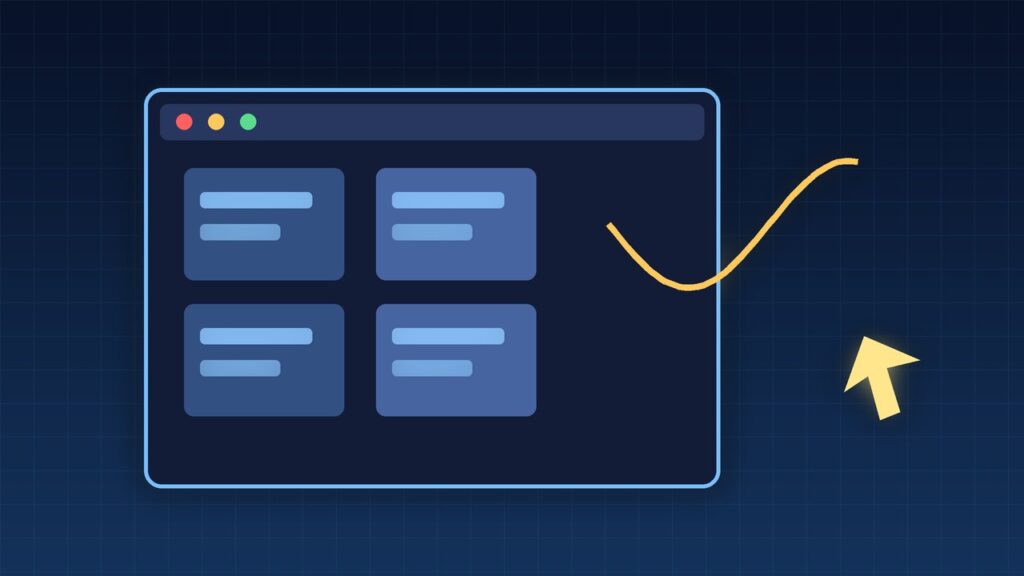
Google’s Gemini API changelog for October 30, 2026 marks Computer Use as generally available on both the Interactions API and the GenerateContent API. The model looks at a screenshot, suggests a UI action, and your code executes it. There is no separate Computer Use fee; you pay normal token rates for the model you pick.
Coffee summary
- FACT: On October 30, 2026, Google listed Computer Use as generally available across the Interactions and GenerateContent APIs in the official Gemini API changelog.
- FACT: Supported models include Gemini 4 Argon, Gemini 3.8 Flash (recommended), Gemini 3.5 Flash-Lite, and Gemini 3 Flash Preview, per Google’s Computer Use docs.
- FACT: Environments cover browser, mobile, and desktop. The client must run actions (for example with Playwright) and send back a new screenshot each turn.
- FACT: Google’s pricing page lists Computer Use as charged as regular tokens for the selected model, with no separate Computer Use line item.
- OPINION: Treat GA as a support status change, not a green light to run unsupervised agents on live money or legal flows.
What happened
Computer Use lets a Gemini model “see” a screen and return structured actions such as click, type, scroll, navigate, and wait. Coordinates are normalized on a 0–999 grid; your client scales them to the real viewport. For Gemini 4 and 3.x models, each action can include an intent field that explains why the model chose that step, and a safety_decision that may require user confirmation before you execute.
Google’s docs still warn that Computer Use can contain errors and security issues, and they recommend a sandboxed VM or container plus close supervision for important tasks. General availability does not remove that advice.
Why it matters
Until now, many teams built browser agents by chaining custom vision prompts and brittle selectors. Computer Use gives a first-party action vocabulary and a documented agent loop: send screenshot + prompt, get a function call, execute, return the next screenshot, repeat until the task ends.
Because billing is ordinary tokens, a long agent loop can get expensive quickly—every screenshot and every model reply counts. Gemini 3.8 Flash is the recommended starting point; Argon is for harder UI reasoning at a higher price.
What changed, at a glance
| Item | Detail |
|---|---|
| Status | Generally available (changelog Oct 30, 2026) |
| APIs | Interactions and GenerateContent |
| Recommended model | gemini-3.8-flash |
| Environments | Browser, mobile, desktop |
| Billing | Regular model token prices; no separate Computer Use fee |
| Safety | Policy categories + optional prompt-injection detection |
Who should care
- Developers building browser or desktop agents who want an official action schema instead of ad hoc OCR.
- QA teams automating web flows where a screenshot-based agent is easier than fragile CSS selectors.
- Anyone comparing computer-use stacks, including Vercel’s agent-desktop and open models such as Microsoft’s Mage-VL-Cowork.
Limitations and open questions
- You still execute every action. The API proposes; the client clicks. A buggy executor can still harm a live account.
- Safety is not optional in practice. Responses may return
require_confirmationfor payments, messaging, account creation, and legal agreements. - Docs lag labels. Parts of the Computer Use page still speak in preview-era caution even after the GA changelog entry.
- Cost is usage-shaped. Multi-turn screenshot loops multiply tokens; budget for thinking tokens on Flash and Argon.
What to do next
- Read the loop. Start from Google’s Playwright example: launch a browser, send the first screenshot, execute returned actions, feed results back with
previous_interaction_id. - Sandbox first. Run the agent in Docker or a locked-down profile before pointing it at production logins.
- Handle
safety_decision. If the model asks for confirmation, stop and ask a human; do not auto-ack. - Pick a model on purpose. Use 3.8 Flash for most UI work; reserve Argon for complex multi-step flows.
- Log every turn. Store screenshots, actions, and intents so you can audit failures.
AIImpish Take
Computer Use going GA mainly means the tool is no longer a temporary preview surface: it is a supported API feature with clear environments, actions, and token-based pricing. The hard part remains yours—safe execution, confirmation gates, and cost control on long agent loops.
Related on AIImpish
- Vercel’s agent-desktop Hits 1.0: Computer Use for AI Agents Without Screenshots
- Microsoft’s Mage-VL-Cowork: A 4B Open Model That Knows When to Click and When to Code
- Gemini API now stores your requests by default on new paid projects: how to check and turn it off
Sources: Gemini API changelog; Computer Use docs; Gemini API pricing.