 AIImpish
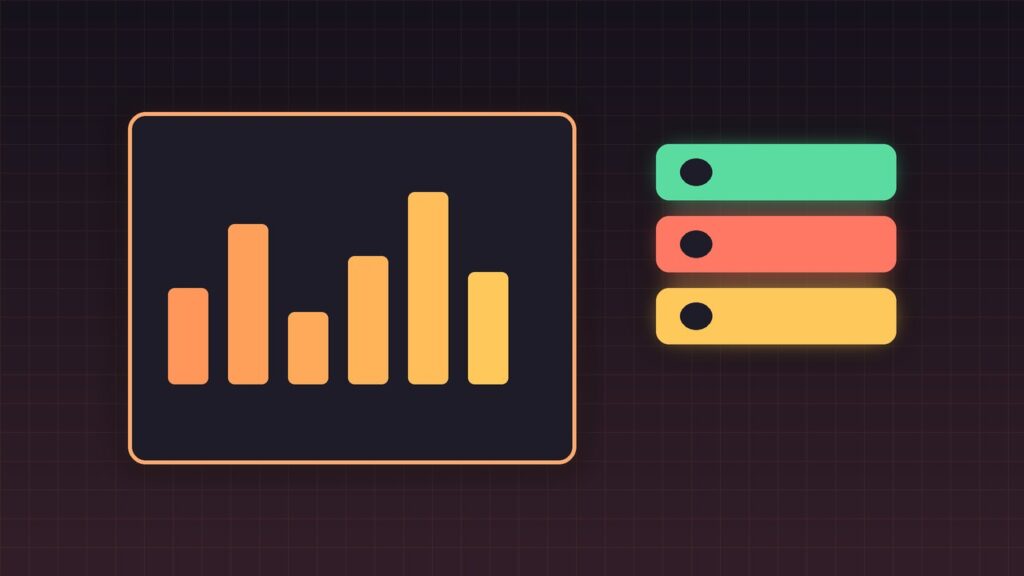
On November 4, 2026, Cloudflare launched clearer analytics and per-agent access controls for personal AI agents — assistants that browse or act on websites on a person’s behalf. Site owners can see Personal Assistants as their own bot-analysis category, inspect which agents hit which paths, and set Allow / Block / Block-on-pages-with-ads policies per supported agent.
Coffee summary
- FACT (Cloudflare): Security Analytics Bot Analysis now includes a Personal Assistants category beside Verified Bot, Likely Human, Likely Automated, and Automated.
- FACT: A Personal Assistants widget lists agents and request counts; filtering an agent updates paths, status codes, and networks for that agent.
- FACT: AI Crawler and Agent access policies (renamed) let you set an overall Agents policy plus overrides for supported personal agents: Allow, Block on pages with ads, or Block.
- FACT: Account Abuse Protection (early access) can show which user an agent represents and filter AI-assistant events on logins/sign-ups.
- CONTEXT: Cloudflare frames this as letting publishers welcome helpful agents without treating all automation as equal — search/training bot policies remain separate.
What happened
Personal agents blur the line between “bot” and “customer.” A shopper asking an assistant to compare products still generates automated requests. Cloudflare’s update separates that traffic in analytics and gives operators granular controls that match business models — for example, allow a supported agent site-wide, or block it only where ads fund the page.
Onboarding recommendations now ask whether you monetize with ads and suggest policy defaults accordingly. Cloudflare also says identity alone is not enough: future work aims to carry user context (customer status, authorization, subscription) through agents in privacy-aware ways — promised as upcoming, not shipping in this post.
Why it matters
Publishers and merchants have been stuck choosing between blocking agents wholesale and hoping automated traffic is benign. Per-agent allow/block-on-ads controls are a practical middle path. Fraud teams get a sharper question too: is this login from an agent the customer has used for weeks, or a brand-new agent on a sensitive account?
Who should care
- Publishers and ad-supported sites deciding whether agents can read content without killing ad inventory.
- Ecommerce and SaaS security teams watching agent-driven browsing, checkout, and account abuse.
- Builders of personal agents who need to understand how origin sites will classify and throttle them.
Limitations
Controls apply to supported personal agents in Cloudflare’s directory — unknown or spoofed agents may still look like generic automation. Account-level agent attribution requires Account Abuse Protection early access. Policy names and UI paths can change; verify in your zone’s Security Settings. This is not legal advice on scraping or CFAA issues.
What to do next
- Open Security Analytics → Bot analysis and inspect Personal Assistants traffic for the last 7 days.
- Visit Security Settings → AI Crawler and Agent access policies; set an overall Agents default, then override VIPs.
- If you sell ads, test “Block on pages with ads” before a global block.
- Fraud teams: if on Account Abuse Protection EA, filter new-agent logins separately from known-agent activity.
AIImpish Take
Cloudflare is treating personal agents as a first-class traffic class — which is what site owners needed before the next wave of shoppers stops clicking themselves. Start with visibility, then pick policies that match how you make money.
Related on AIImpish
Sources: Cloudflare blog, personal agents visibility and control; Cloudflare changelog, granular personal agent policies; Cloudflare docs, AI crawler and agent access policies.